


The Elfsquad 3D Product Configurator
Show Buyers Exactly What They're Ordering
Customers know what they want when they see it, not when they read a spec sheet. We build you a 3D configurator that shows every option in real time, so buyers and sellers stay aligned from the first conversation to the final order.







What Visualization Options Does Elfsquad Offer?
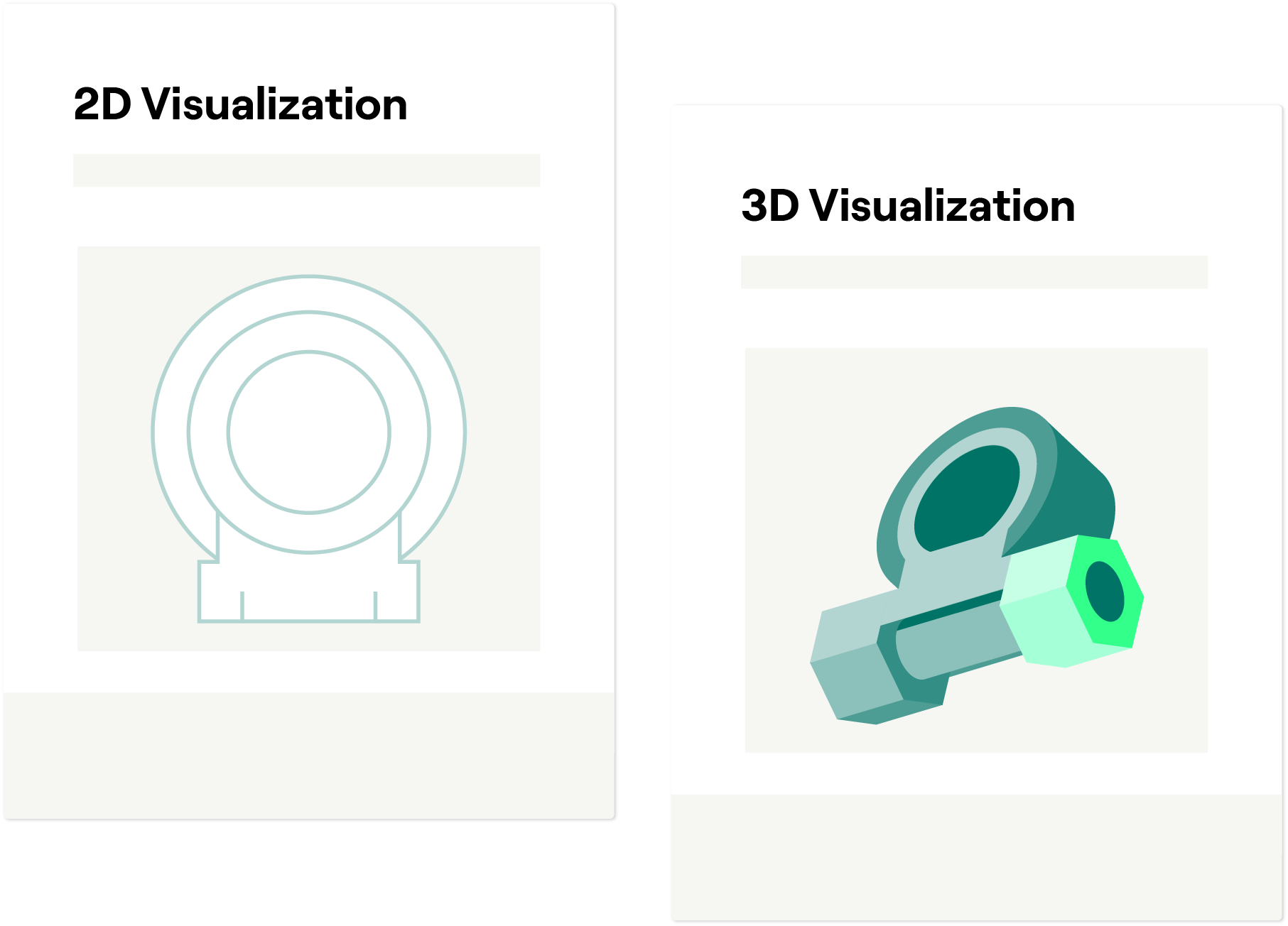
- 2D Visualization: We create detailed 2D renders that bring your products to life.
- 3D Visualization:
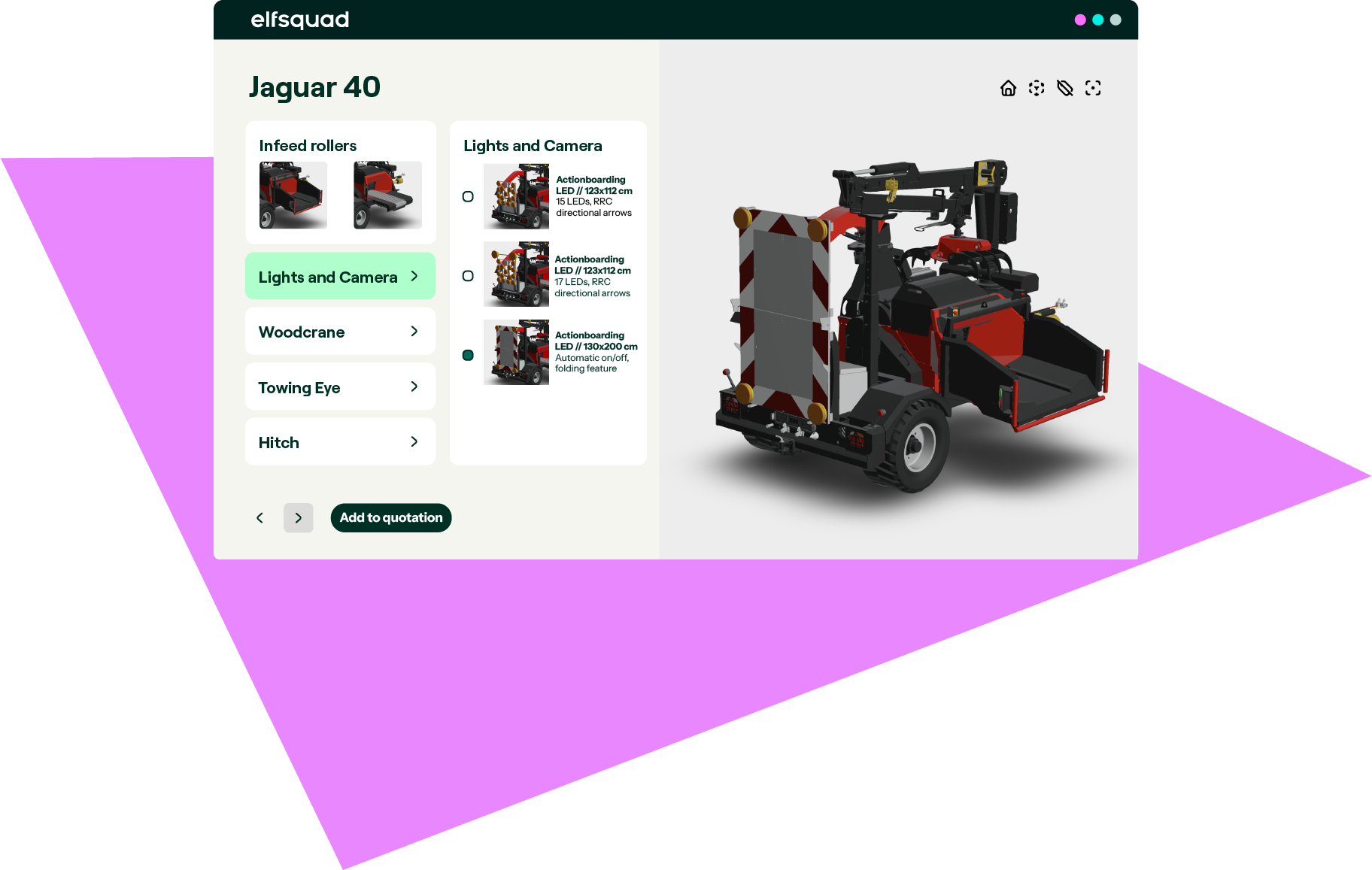
- Standard 3D Viewer: We visualize your products in 3D, updating with every choice your customers make.
- Parametric 3D: We integrate with DynaMaker for web-based CAD visualization and exports.
Benefits of the 3D Product Configurator
Less complexity, fewer errors, and a better experience for everyone involved. Your team stays focused on what matters, while the configurator handles the rest.

Streamlined Customization

Increased Win Rate

Error Reduction

Efficiency

Productivity

Enhanced User Experience
.png?width=1001&height=563&name=Standard-showroom-Damen%20(1).png)
Standard Showroom
- Suitable for all 2D and 3D models.
- Basic design fitting different products and preferences
- Standard layout for easy use.

Custom Showroom
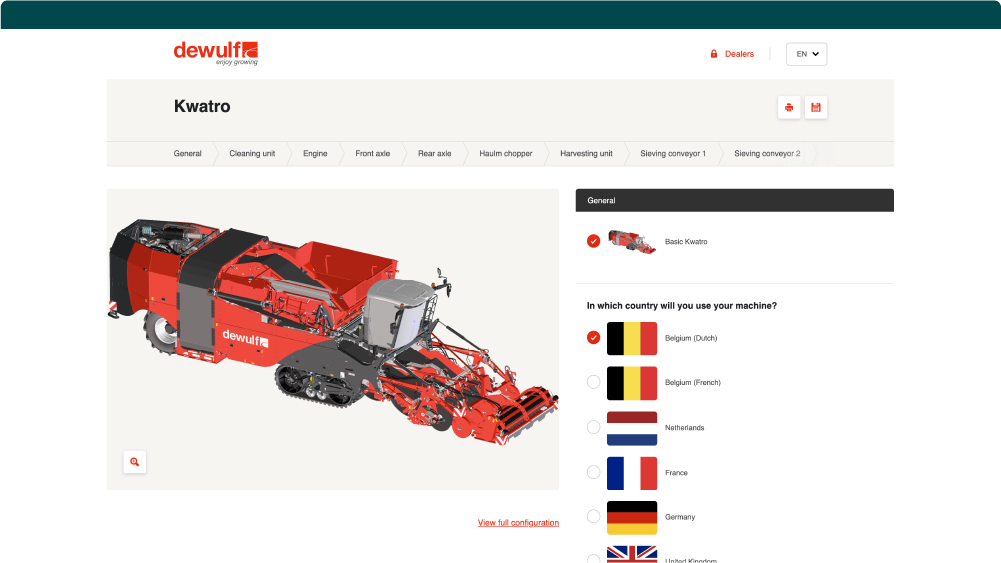
- Designed to meet specific needs or preferences.
- Tailored appearance for a customized experience.
- Fully customized to your brand.
When choosing a Visual Configurator, start by identifying your business’ specific needs. Think about your product complexity and customization level. Pick one that supports different visual formats to display your products well. Look for a user-friendly interface for your team and customers to improve the experience and streamline operations. Also, make sure it integrates well with your existing systems like CAD or eCommerce tools.

Taking product visualization a step further, 3D product configurators use 3-dimensional renderings in a virtual showroom to provide customers with a complete, 360-degree view of their order.

With Elfsquad, you pay a fixed price. Implementation and maintenance are included in your license, and for a Showroom or Custom Showroom we agree on the scope upfront at a fixed price. So you know what it costs and what you get before you start.
- 3D Product Configurator
- Customization Tool
- Interactive Configurator
- Digital Configurator
- Visual Product Customizer
- Design and Configuration Software
- Virtual Product Builder
- Configuration Engine
- Product Personalization Tool