


Elfsquad CPQ Software for Autodesk Inventor
Elfsquad's Inventor CPQ integration connects your product configuration directly to Autodesk Inventor. Parametric CAD models are filled automatically based on the configuration, so engineering output is ready as soon as a quote or order is created, even when your product is not 100% configure-to-order.


CAD Models Generated Directly From Your Configuration
When sales creates a quote or confirms an order, Elfsquad automatically generates the Inventor assembly. Parameters are filled, components are adjusted, and the result is organized in a project folder on your server. We set up the link to your existing Inventor models for you. No manual translation from quote to drawing, no risk of misalignment between what was sold and what gets built.
- Engineering lead times are significantly reduced
- CAD files are set up on the server directly when a quote or order is created
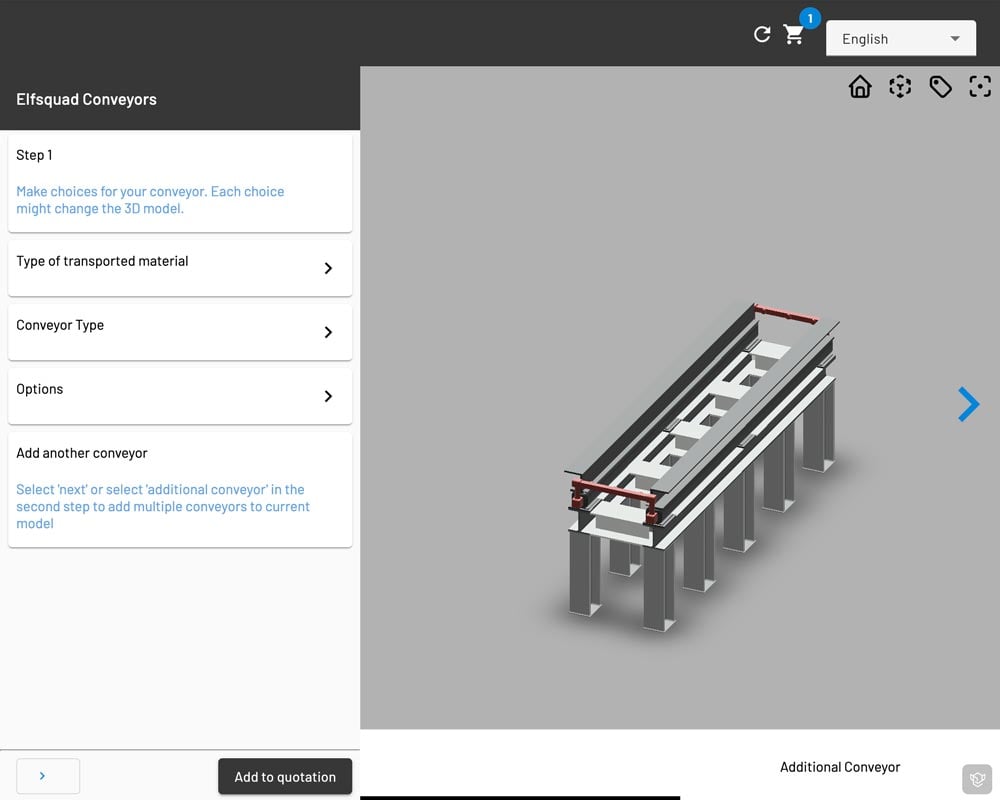
When Your Product Is Not 100% Configure-to-Order
Most manufacturers have products that are partly standardized and partly custom. If 80% of your product follows fixed modules but the remaining 20% always needs specific engineering, Elfsquad handles both. The configured part is set up in Inventor automatically. A task is created for the engineer to complete the assembly, with any relevant instructions included.
- The configured part is set up on the server automatically
- The engineer handles only what requires custom attention
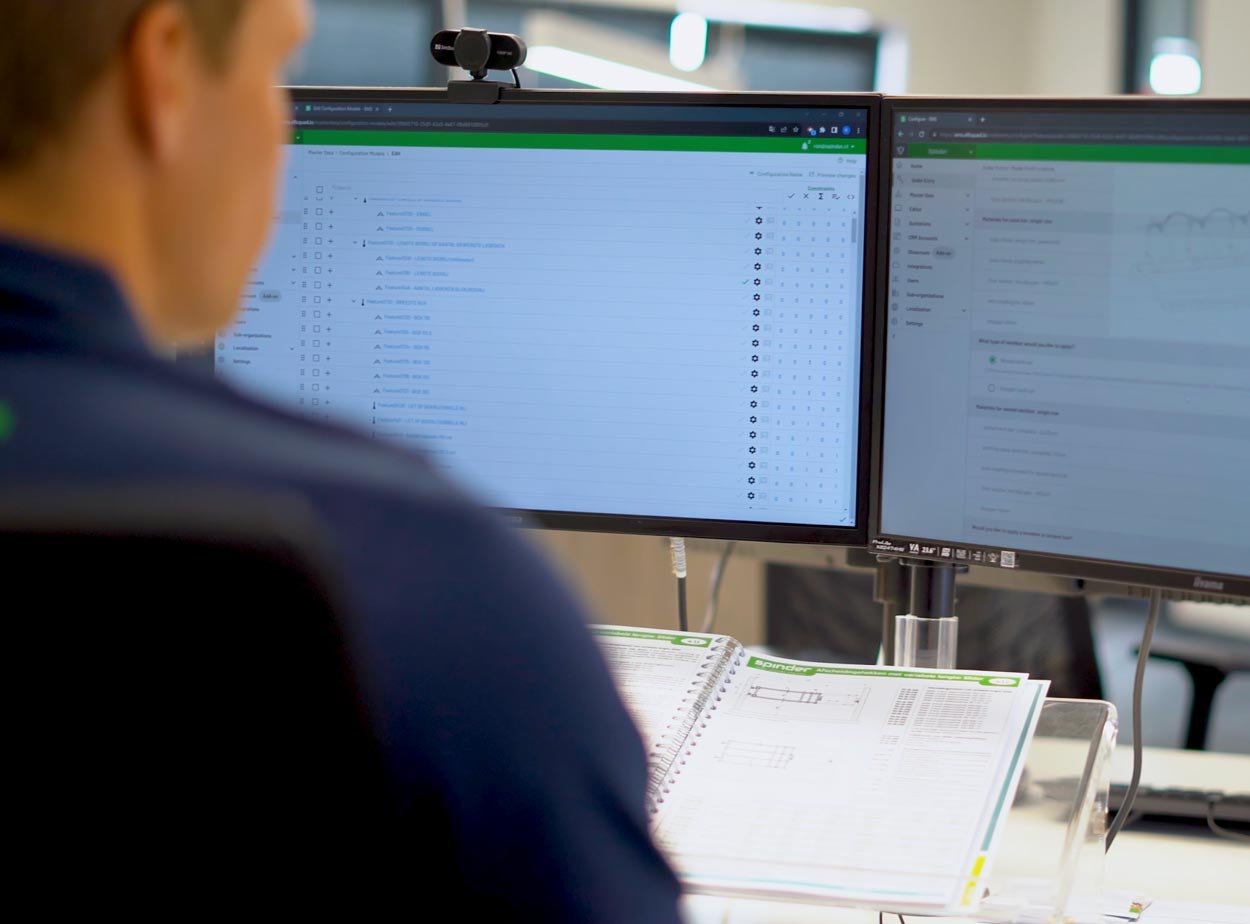
From Configuration to Production-Ready CAD Output
As soon as an order is confirmed or a quote is created, the assembly is set up in a designated project folder. CAD files are generated directly through your Inventor assemblies, using your existing CAD drivers. No new tooling, no additional steps.
- Generate CAD files automatically when an order is confirmed
- Use your existing drivers via Autodesk Inventor
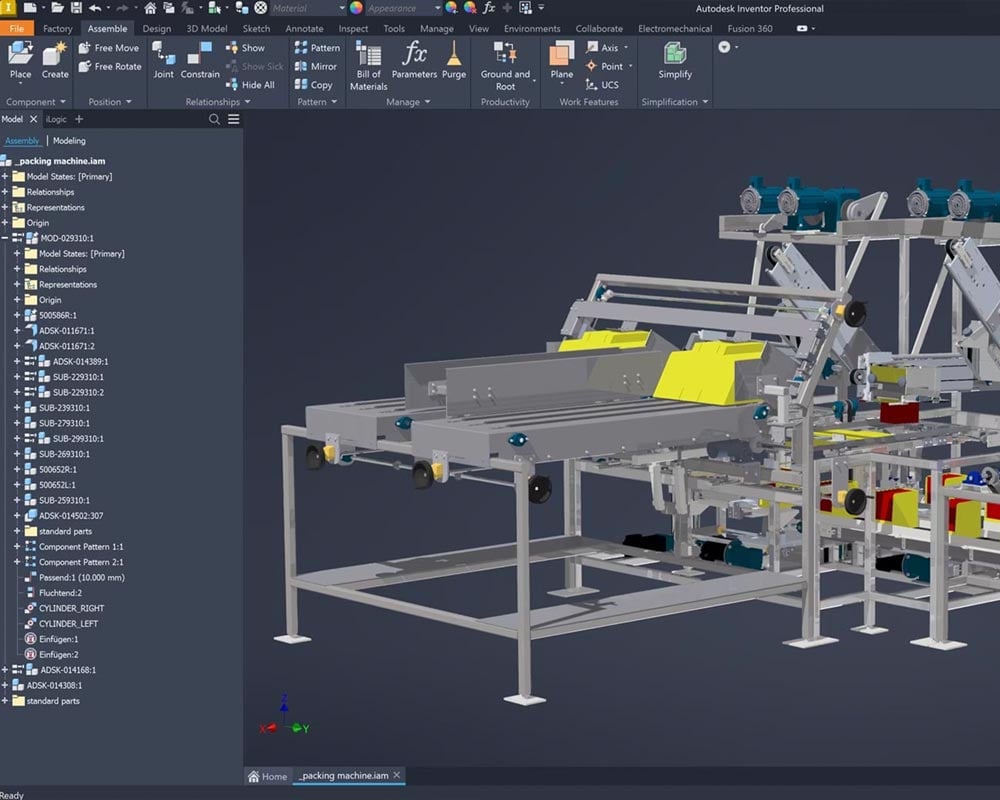
Include CAD Files With Your Quotations
When a quotation document is not enough, or when you supply system integrators who need more than a PDF, Elfsquad generates a CAD file in the file format of your choice at the moment the quote is created. Upload it to a cloud service like SharePoint and include the link directly in the quotation.
- Generate approval drawings or schematics alongside your quote, in the file format you need

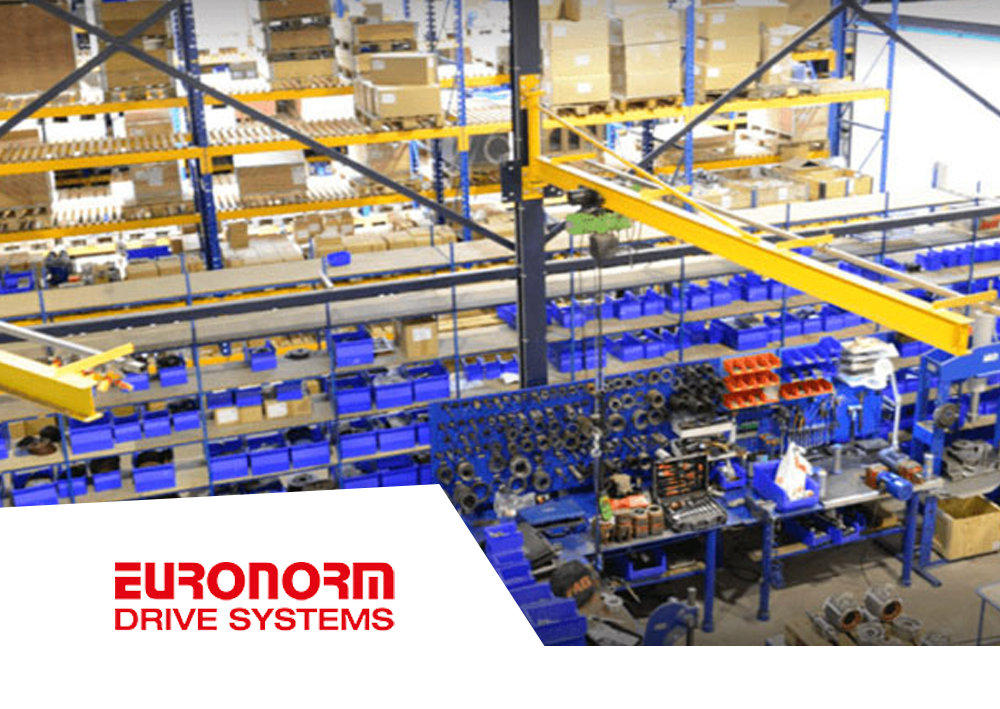
Euronorm: Elfsquad as a Pillar in the Sales and Production Process

